



Play Gates of Olympus on Your Phone — No App, No Download, Just Your Browser
Provider:
Pragmatic Play
Type:
Slot
Volatility:
Medium
RTP:
95.51%
Minimum Bet:
0.2
Maximum Bet:
100
Autoplay:
No
Release Date:
13.02.2021
Looking for a Gates of Olympus APK download? Here is the good news — there is no need for one. The game runs perfectly in any mobile browser, right out of the box. Pragmatic Play built it with HTML5, which means Safari on iPhones and Chrome on Android devices handle everything without installing a single file. Same graphics. Same features. Same RTP. Just open the casino site, find the game, and tap Play. For anyone new to the game itself, the beginner's guide explains how everything works from the ground up.
⚠️ A word of caution: If a website is offering a "Gates of Olympus APK" or "Gates of Olympus download" file, stay away. Pragmatic Play does not make an app for this game. Those files are unofficial and may carry malware or steal personal information.
How to Get Gates of Olympus Running on Your Phone
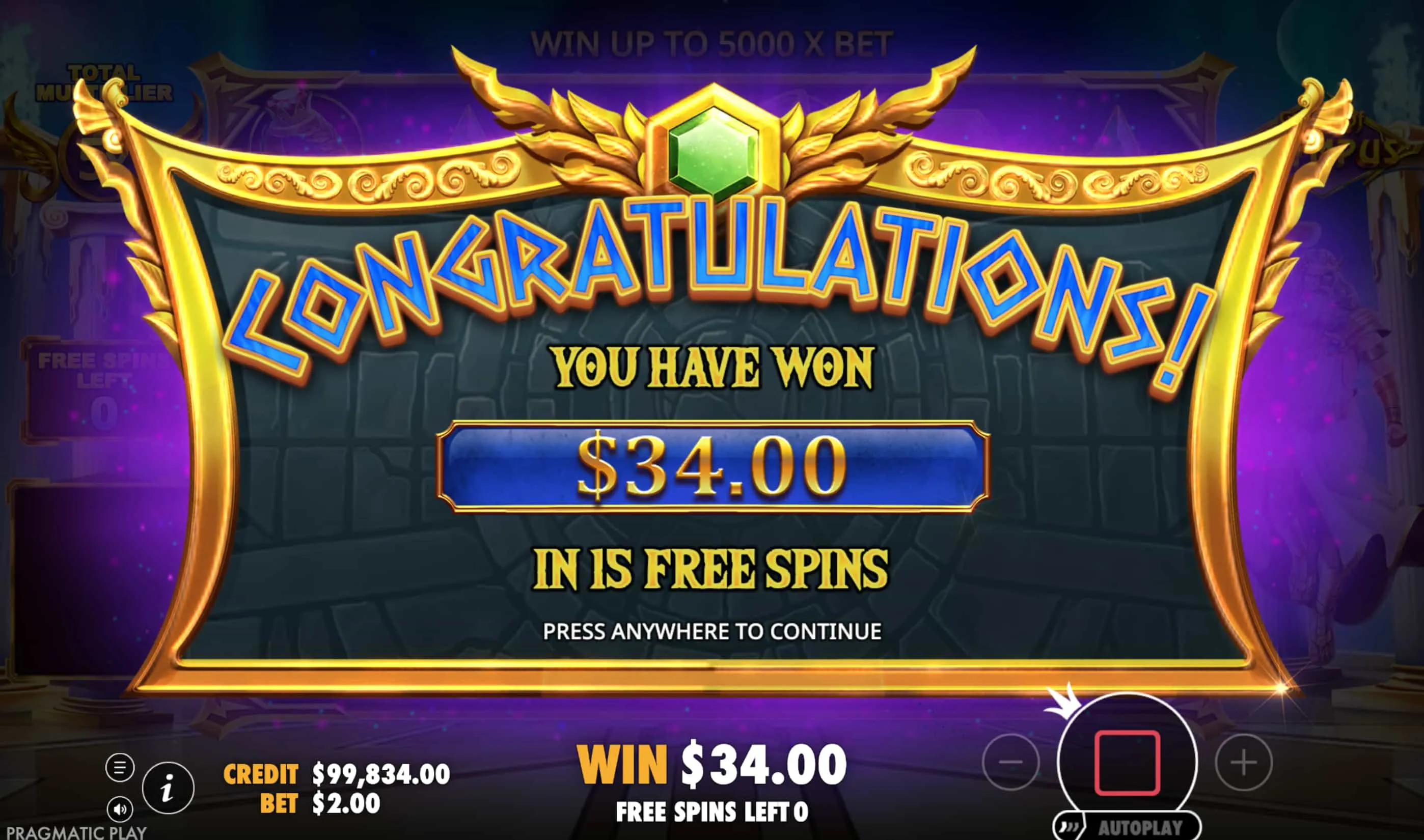
The whole thing takes less than two minutes — no trips to the App Store, no waiting for downloads, and no storage space eaten up.
- Open the browser. Safari works best on iPhones. Chrome is the go-to for Android. Both handle the HTML5 game engine without any hiccups. Make sure the browser is up to date for the smoothest experience.
- Go to a casino website. Type the address directly or use a saved bookmark. The casino needs to be licensed (Curaçao or Malta are the most common) and should offer Gates of Olympus in its game library.
- Log in — or sign up if it is a first visit. Existing accounts work just the same as on a computer. New players can register right from the phone — the forms are designed for touchscreens and usually take a couple of minutes to complete.
- Find Gates of Olympus. The easiest route is the search bar — just type the name. It will pop up immediately. Tapping the game thumbnail loads it right there in the browser.
- Tap Play and start spinning. The game fills the screen with touch-friendly controls. Everything works — Tumble chains, multiplier orbs, free spins, Ante Bet — all of it. Want to try before committing money? The free demo plays identically to the real thing.
Bonus trick — make it feel like an app: There is a neat way to get an app-like experience without actually downloading anything. On iPhone, tap the Share button in Safari (the square with the arrow) and choose "Add to Home Screen." On Android, tap the three-dot menu in Chrome and select "Add to Home screen." This drops an icon on the home screen that opens the casino in a clean window — no address bar, no tabs. It looks and feels like an app, but it is just the browser doing its thing.
Mobile or Desktop — Does It Actually Matter?
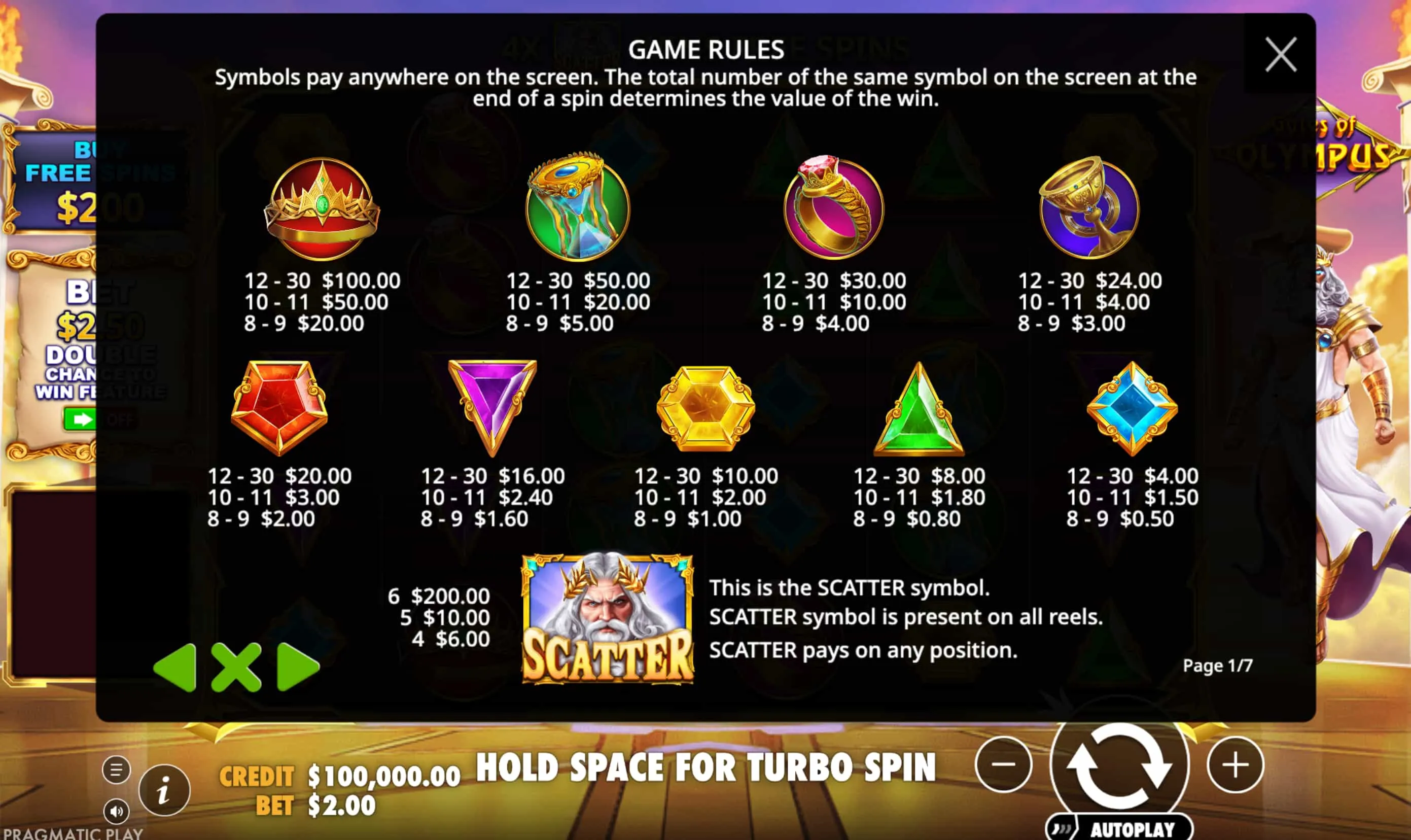
Not really. The RTP is the same. The features are the same. The multipliers, the tumble chains, the free spins — all identical. The only real differences are about comfort: a bigger screen on desktop makes longer sessions easier on the eyes, while mobile means playing from anywhere. Neither device gives better odds or a different game experience.
Best Casinos for Playing Gates of Olympus on Mobile — Australian Picks
Not every casino site works equally well on phones. These three scored highest in mobile testing — fast loading, smooth touch controls, and the game available with no issues. For the full list including bonus breakdowns and withdrawal speeds, check the complete casino comparison.
| Casino | Mobile Score | Load Speed | GoO Available | Best Mobile Deal |
|---|---|---|---|---|
| CrownSlots | 9.4/10 | ~2.1s | ✅ | 120% + 150 FS on Gates of Olympus |
| NeoSpin | 9.2/10 | ~2.4s | ✅ | 100% + 100 FS (code: NEO100) |
| SkyCrown | 9.1/10 | ~2.6s | ✅ | 20 free spins — no deposit needed |
Game Not Loading? Here Are Five Quick Fixes
If Gates of Olympus will not load or gets stuck on the loading screen, the fix is usually simple. These are the most common causes, starting with the one that solves it most often.
- Clear the browser cache. Old stored data can block the game from loading properly. Head into browser settings, clear cached files and cookies, then reload the page. This alone fixes most issues.
- Update the browser. An outdated browser might be missing the HTML5 features the game needs. Check for updates in the App Store or Play Store and install anything available.
- Turn off VPN. Some casinos block VPN connections. If the site loads but the game just spins endlessly, disabling the VPN and trying again on a regular connection usually does the trick.
- Check the internet connection. The game needs a steady connection while playing. If things are loading slowly everywhere, try switching between Wi-Fi and mobile data to find the stronger signal.
- Try a different browser. If nothing else works, downloading Chrome (if currently using Safari) or Safari (if using Chrome) and loading the casino there usually eliminates any browser-specific quirk.
No app needed — just open the browser and play. Gates of Olympus works on any modern phone with the full game experience. Find the right casino from the recommended list or take it for a test run with the free demo.